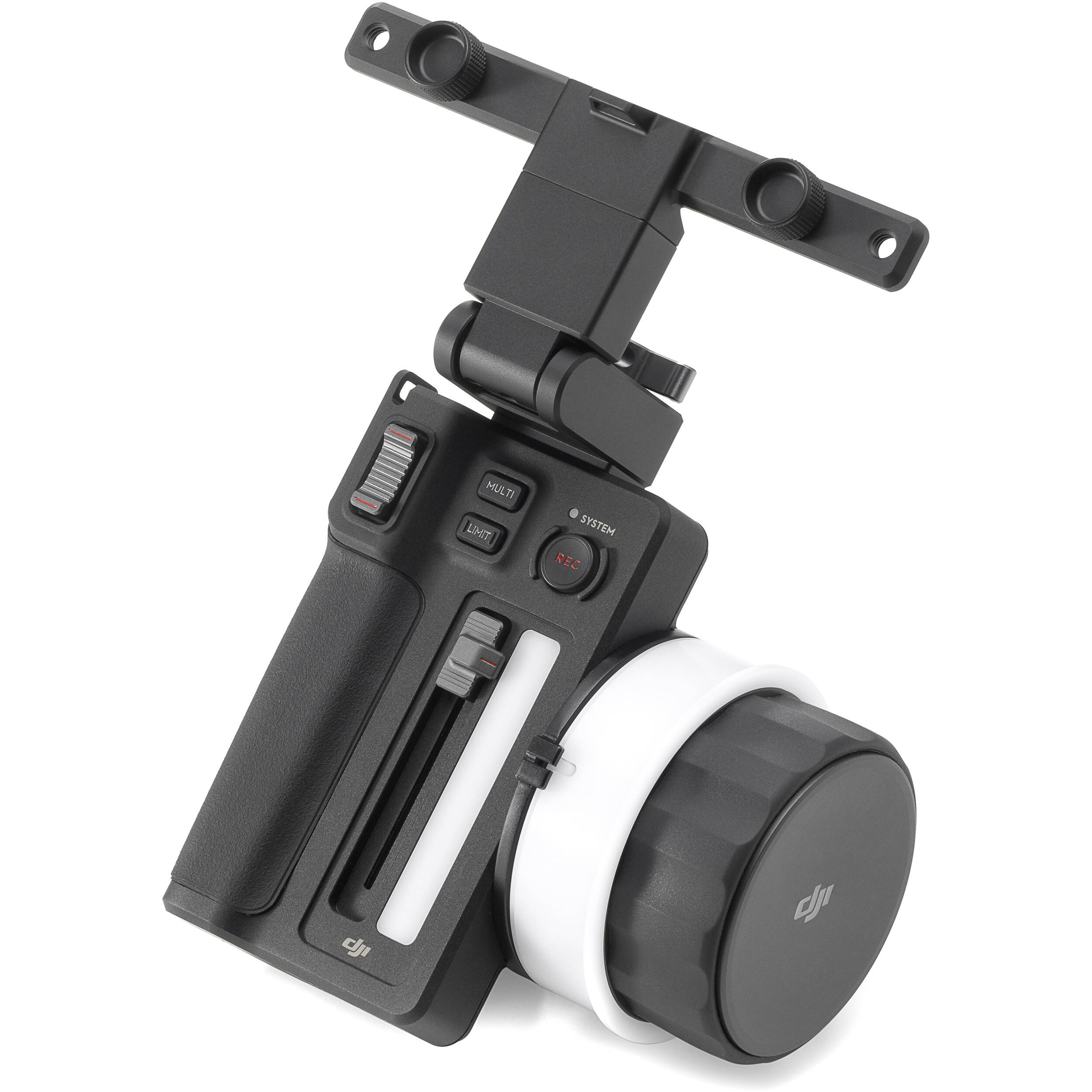














































































































































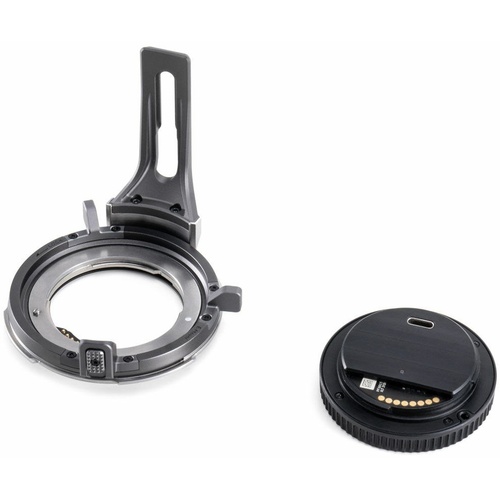
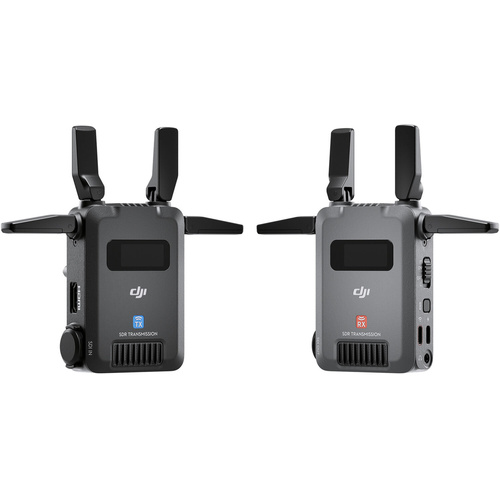

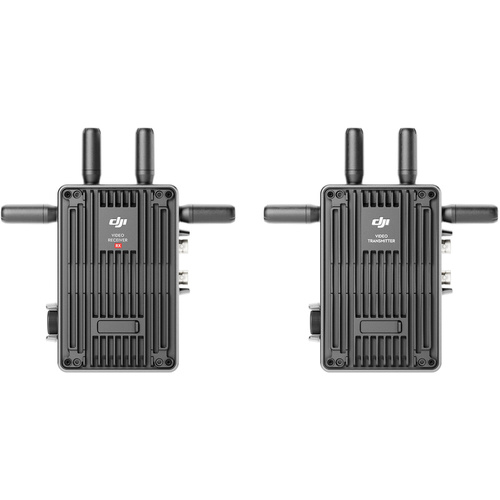



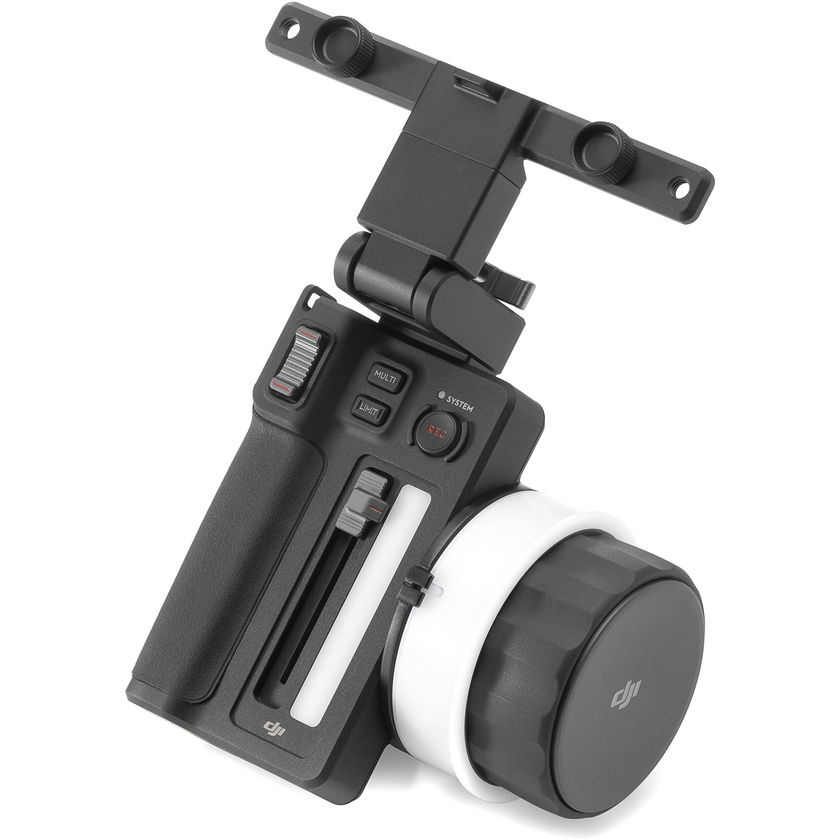
You can have full control over your cine camera or drone footage with the DJI 3-Channel Follow Focus Controller. This controller is specifically designed for the Ronin 4D cine camera and the Inspire 3 drone, providing wireless remote adjustment for various lens settings. To connect the controller to your camera, ensure that you have the High-Bright Remote Monitor with the latest firmware update.
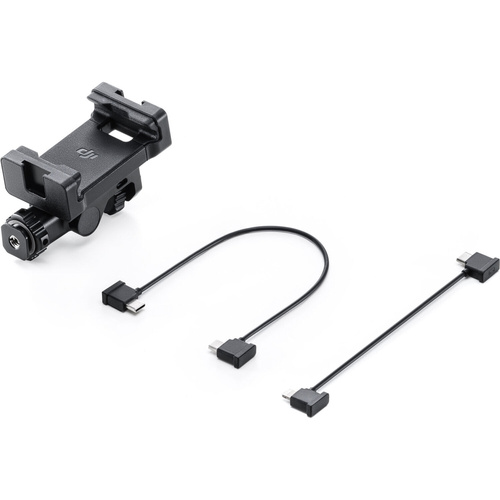
To attach the monitor to the controller, use the included monitor holder bracket and the built-in 1/4"-20 screws. The bracket can be tilted, allowing you to find the perfect viewing angle for your monitor. This way, you can preview your footage and easily adjust focus, whether using autofocus or manual focus. Additionally, the controller comes with three focus marking rings, ensuring precise adjustments.