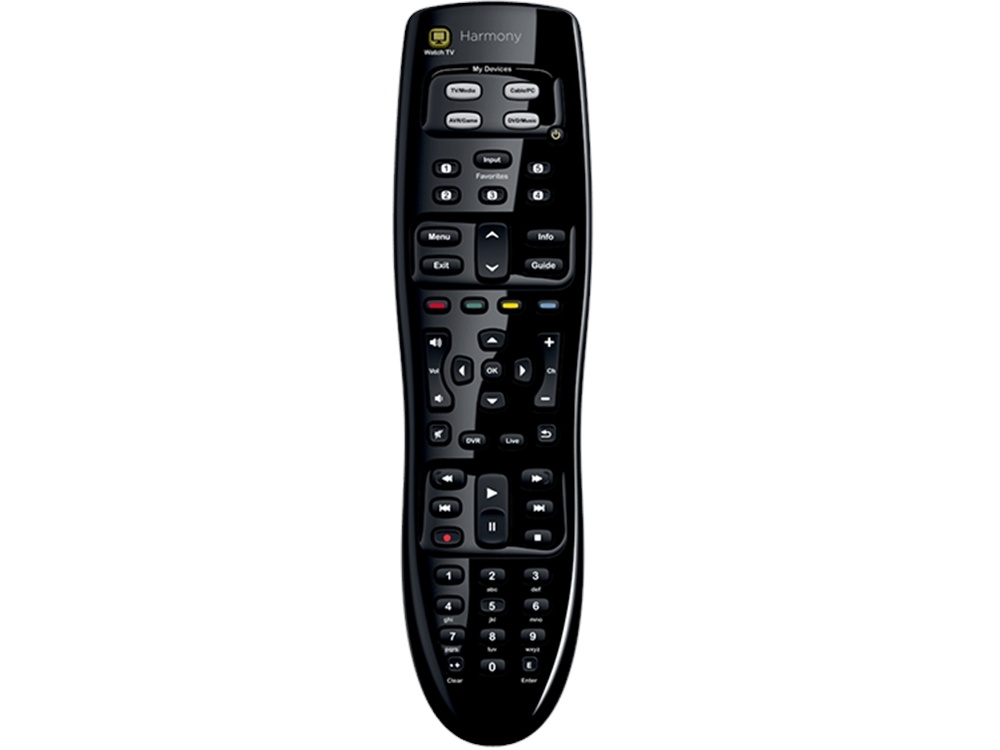



















































































































































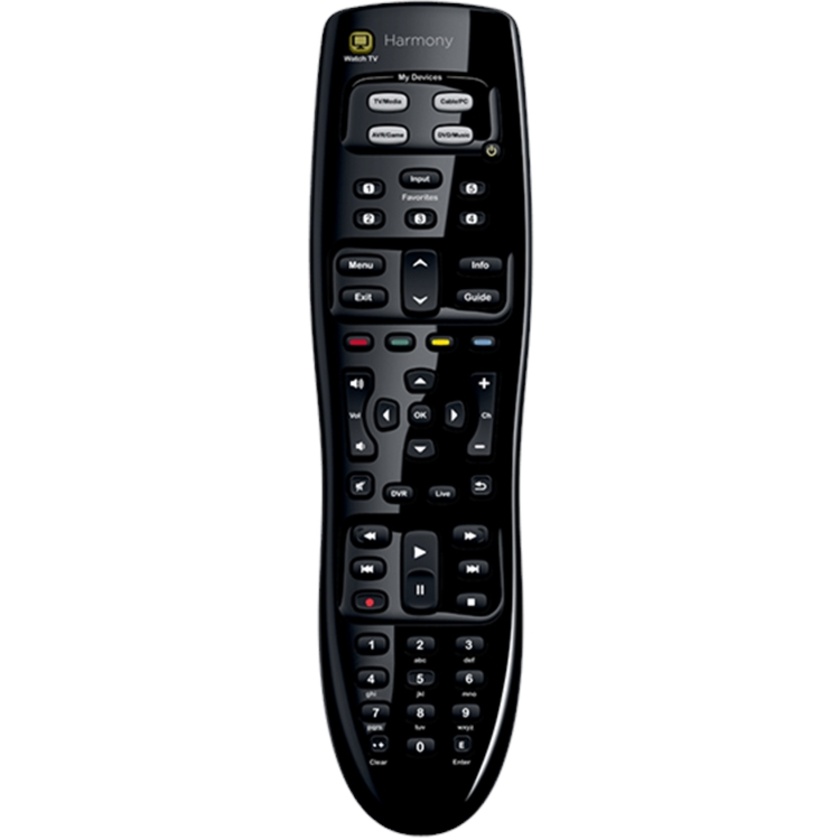
The Logitech Harmony 350 Remote Control is the simple-to-set-up, easy-to-use remote that gives you better control of what's attached to your TV.
The on-line setup makes it easy to program. The Watch TV button turns on your TV and cable/satellite box with just one button press. Use five programmable buttons to jump right to your channel Favorites. And we support 225,000+ devices, so you'll have the control you need, today and tomorrow.
- Combine up to 8 remotes in 1. Control your TV, cable or satellite box, DVR, Blu-ray™ player, sound system, and more.
- The ever-growing Harmony database of 270,000+ devices has power-on sequencing, timing, and direct input commands. Check compatibility
- Press the Watch TV button to turn on your TV, cable or satellite box, and more. Each one powers up with just the right settings.
- Jump to the channel of your choice with 5 programmable Favorite buttons.
Easily access guides, menus, and recorded programs, as well as control playback, with dedicated buttons.
Get started in minutes. Simply plug Harmony 350 into your Internet-connected computer and enter your device model numbers.* *Internet connection required.
Specifications:
| System Requirements | Windows®-based PC |
| Windows Vista®, Windows 7, Windows 8 | |
| USB port | |
| Internet access | |
| Intel®-based Mac® computer | |
| Mac OS® X 10.6 or later | |
| USB port | |
| Internet access | |
| Warranty Information | 1-Year Limited Hardware Warranty |
| Package Contents | IR-based remote control |
| USB cable | |
| 2 AA batteries | |
| User documentation | |
| Part Number | PN 915-000244 |