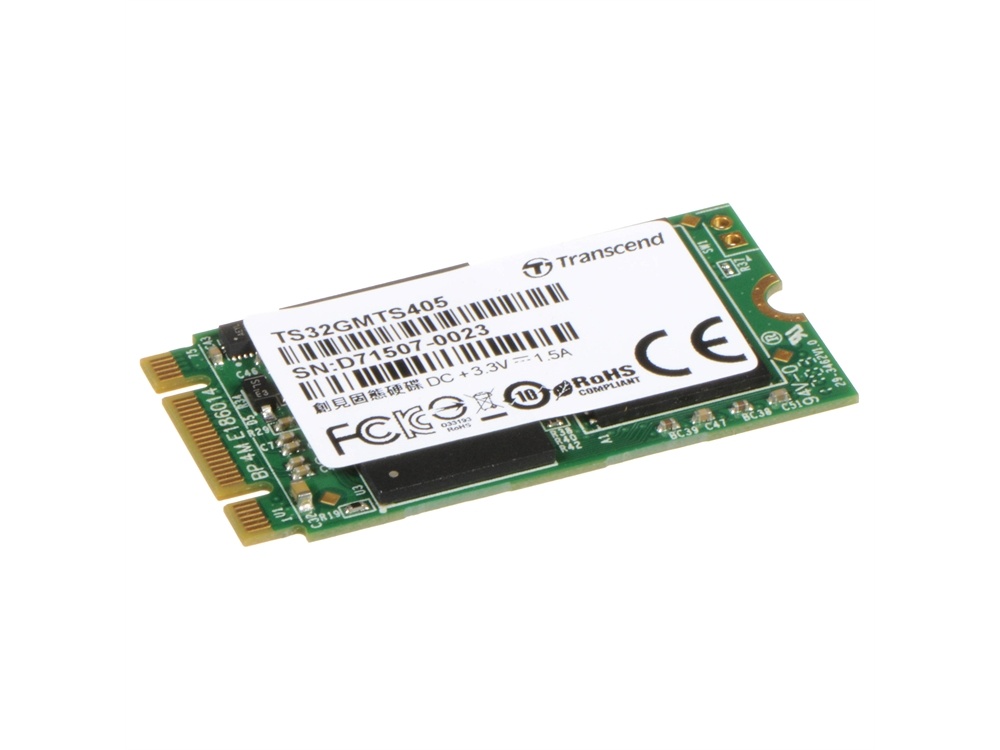




























































































































































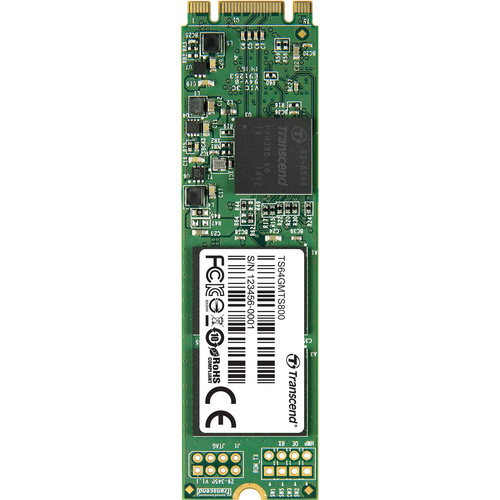



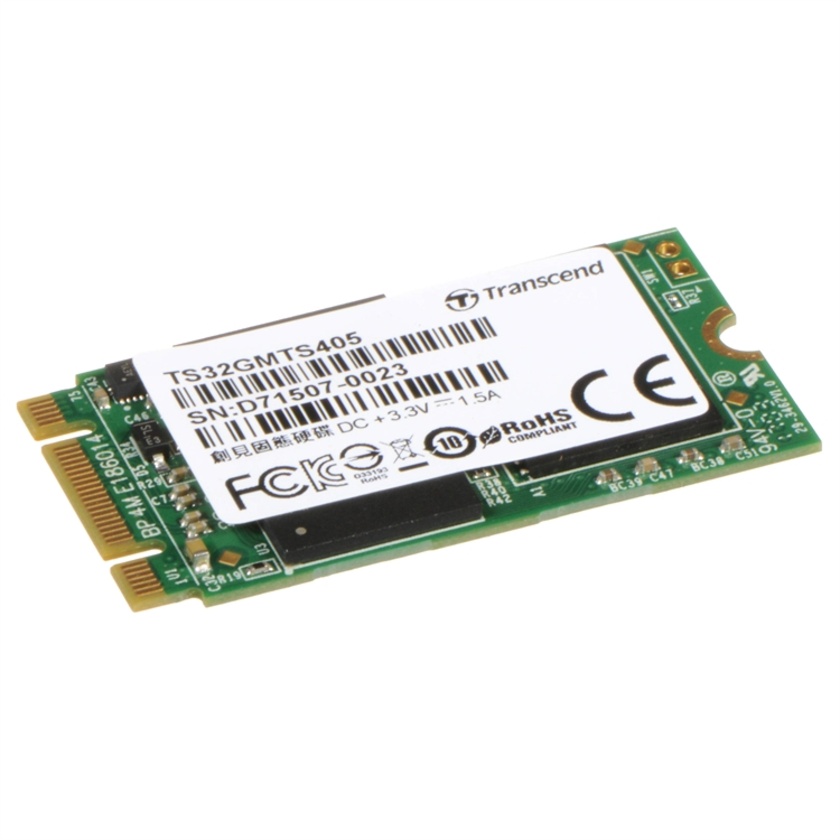
Increase your Windows or Linux system's performance by installing the Transcend 32GB MTS405 SATA III M.2 Internal SSD which delivers read speeds of 520 MB/s and write speeds of 135 MB/s. This SSD utilises an SATA III interface that provides 6 Gb/s transfers speeds and supports random 4K reads of 60,000 IOPS and 4K writes of 36,000 IOPS. Its form factor is type 2242 and is installed in a computer with an available M.2 slot that is 42mm long. When using this SDD with a hard drive, you can use Intel's Smart Response Technology to constantly monitor or move your most accessed programmes to the SSD, and stores all other programmes and files to the hard drive. It also offers TRIM support, which helps reduce write times to the drive allowing you to save information faster and prolongs the life the drive. This SSD has been designed for cloud computing applications and is compatible with Google Chrome OS, which allows you to perform most functions using a web browser. It also supports Google Play and features dual channel flash die performance, allowing for faster speeds than the MTS400 series.
Features
- M.2 Type 2242 form factor (42mm) for mobile computing devices
- Supports Wear Levelling and Intelligent Block Management
- Built-in ECC (Error Correction Code) functionality
- Garbage collection
- DDR3 DRAM cache
- Supports DevSleep mode, which allows devices to completely shut down the SATA interface and conserve battery life, unlike existing partial/slumber states
- Supports Power Shield, S.M.A.R.T., TRIM, and NCQ commands
- RoHS compliant
Intel Smart Response Technology
Transcend's SATA III 6 Gb/s MTS405 M.2 SSD supports Intel Smart Response Technology (ISRT), which allows you to configure your computer system with an SSD used as cache memory between the hard disk drive and system memory. This provides the advantage of having a hard disk drive for ample storage capacity while delivering an SSD-like overall system performance experience. ISRT works by monitoring which programmes and files you access most frequently and stores them on the SSD. As a result, application launch speed and overall system responsiveness are improved, while the large capacity of the hard drive is free to store all your other programmes and files. In this configuration, only one drive letter is displayed; no additional drive letter is required for the SSD used as cache.