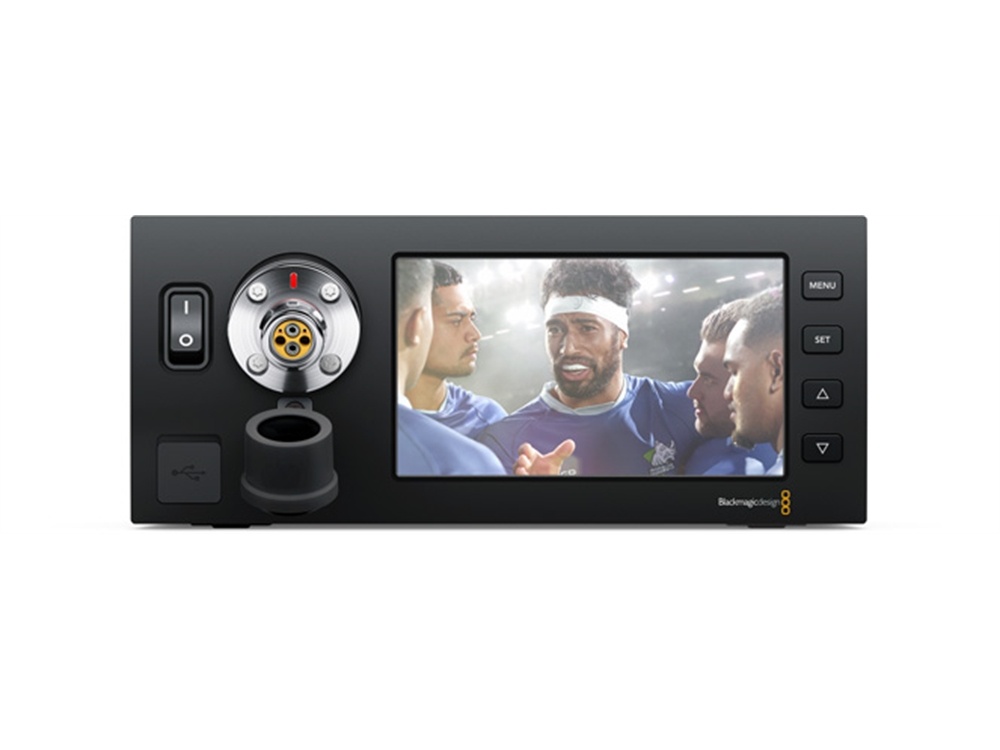














































































































































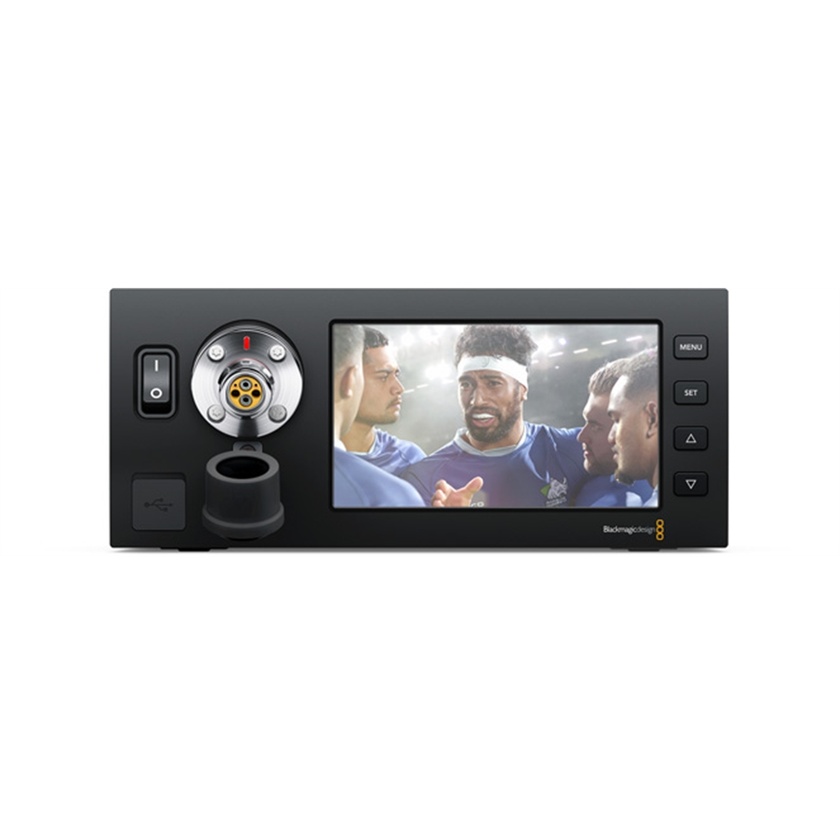



The Blackmagic Studio Fiber Converter is used at the other end of your broadcast camera chain back in the studio or outside broadcast truck. It converts signals from the remote camera back into standard television industry connections that can be used with your live production switchers, audio mixers and talkback interfaces. It features a high capacity power supply to drive the cable so it can provide enough power for your camera and any accessories that you might add.
The studio fiber converter includes connections for tally, two dual channel intercoms for industry standard 3rd party talkback systems, and even a backup engineering talkback channel in case the fiber goes down. You get a main Ultra HD camera feed plus 3 independent HD return feeds with full remote camera control, PTZ, tracker talkback and ethernet, all through a single SMPTE fiber cable. Plus, there is a large 5 inch LCD screen right next to the SMPTE fiber connection on the front panel for monitoring signals from the remote camera. This allows for easy patching and verification of the remote camera function!
Power Connector
Connect an IEC power cable to the power input on the rear panel to provide power.
Intercom / Tally
The 25 pin intercom and tally connection allows you to connect to third party intercom and tally systems or extend your existing ATEM converters to other analog devices.
PTZ
The 9 pin D-Sub connector allows you to connect PTZ controllers to the Blackmagic Studio Fiber Converter for remote control pass through to the Blackmagic Camera Fiber Converter for PTZ heads via the Visca protocol.
Analog Audio Out
Four XLR audio outputs allows you to output the audio plugged into inputs 1 and 2 from your camera, and the two XLR audio inputs on the URSA Camera Fiber Converter.
12G SDI In and Out
Two 12G-SDI outputs connect the output from the camera to the switcher and also another destination such as HyperDeck Studio for ISO recording.
Ref In/Out
The Ref In connection sends traditional reference timing from other broadcast devices to your camera, and Ref Out acts as a loop output.
USB-C Connector
The USB-C port allows you to update internal software.
SMPTE Hybrid Fiber Optic Connector
Use the URSA Studio Fiber Converter’s female connector to plug in the male end of a SMPTE Fiber cable.