






















































































































































Easy Setup, Self-Managed & Pre-Configured WiFi System
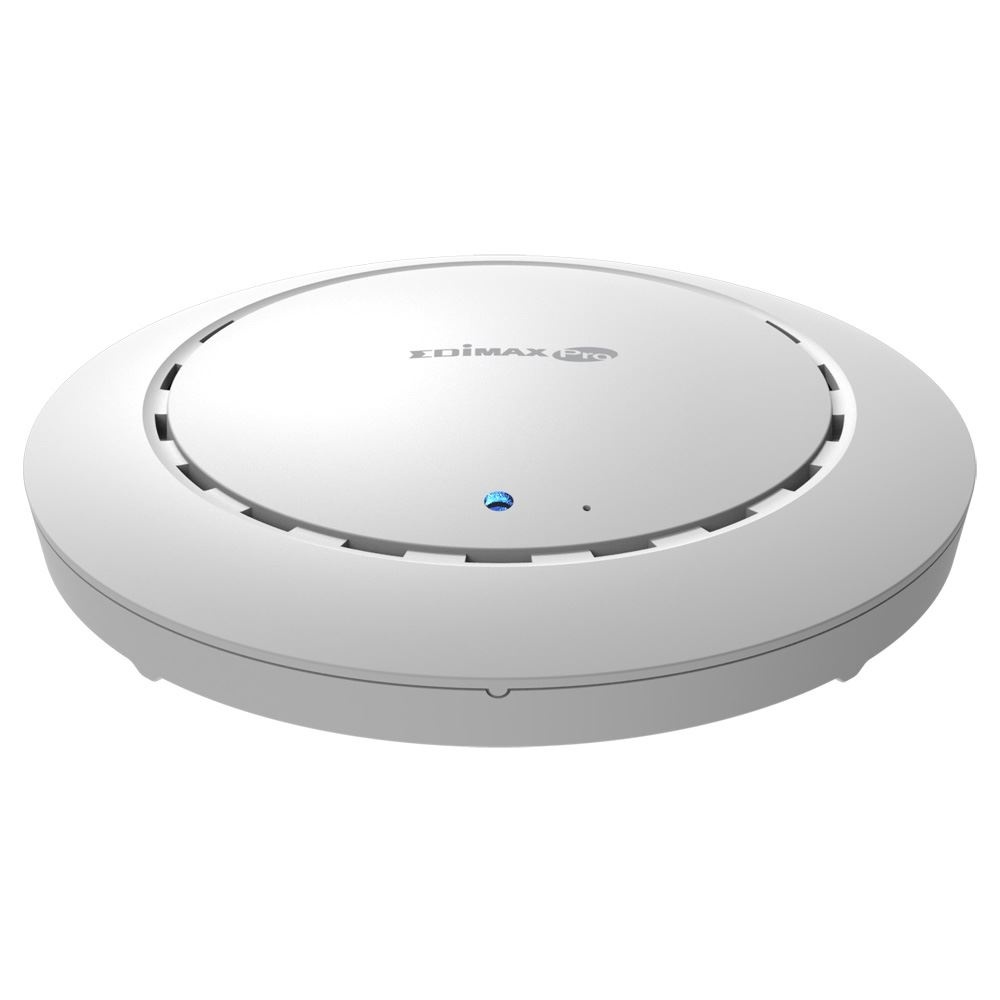
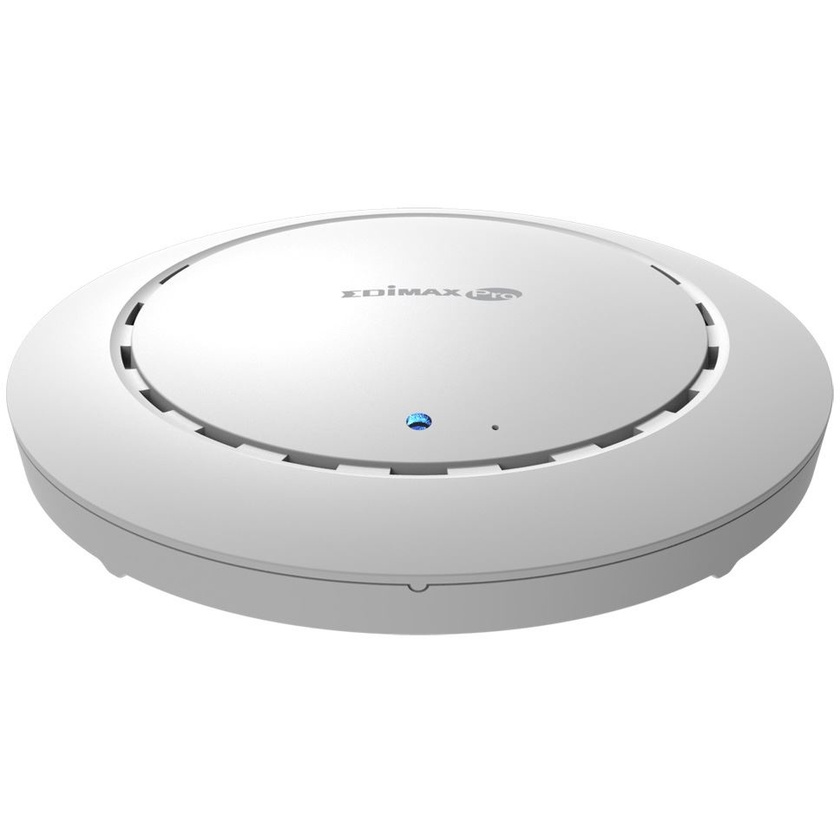
The Office 1-2-3 Office WiFi System starter kit comes with three pre-configured access points that can communicate between themselves with self-managed functions for easy setup.
License-Free Intuitive UI, Simple yet Powerful
Built-in with the AP management software, no need for server or controller software and no extra license fee. The dedicated icon-based user interface of Office 1-2-3 can easily walk you through the entire process of setting up the WiFi networks.
Secure & Separated 3 WiFi Networks
By default, each AP has three WiFi networks: office, guest and device networks. For WiFi network security, each network has its own secure authentication.
Three Easy Ways of Authentication
Office networks use radius function that works like WiFi access key. Enter the password once and it will remember. Each employee will have his/her own WiFi access key.
Guest networks use SMS authentication and captive portal login. Administrators can print out account tickets for the guests and setup expiry time.
Device networks use access control list for equipment that is unable to enter account information.
Easy Setup
Step 1: Connect the Office 1-2-3 APs to the existing network via the switch. (APs can be powered on by PoE) Step 2: Download the IP Finder utility and the system will find the Office 1-2-3 APs automatically. Step 3: Follow the wizard instructions of the web and icon-based UI and easily configure the WiFi networks in few steps.
Easy, Complete, Expandable Office WiFi System
Office 1-2-3 includes three APs and is expandable with Office +1 Add-on AP, up to a total of 16 APs.