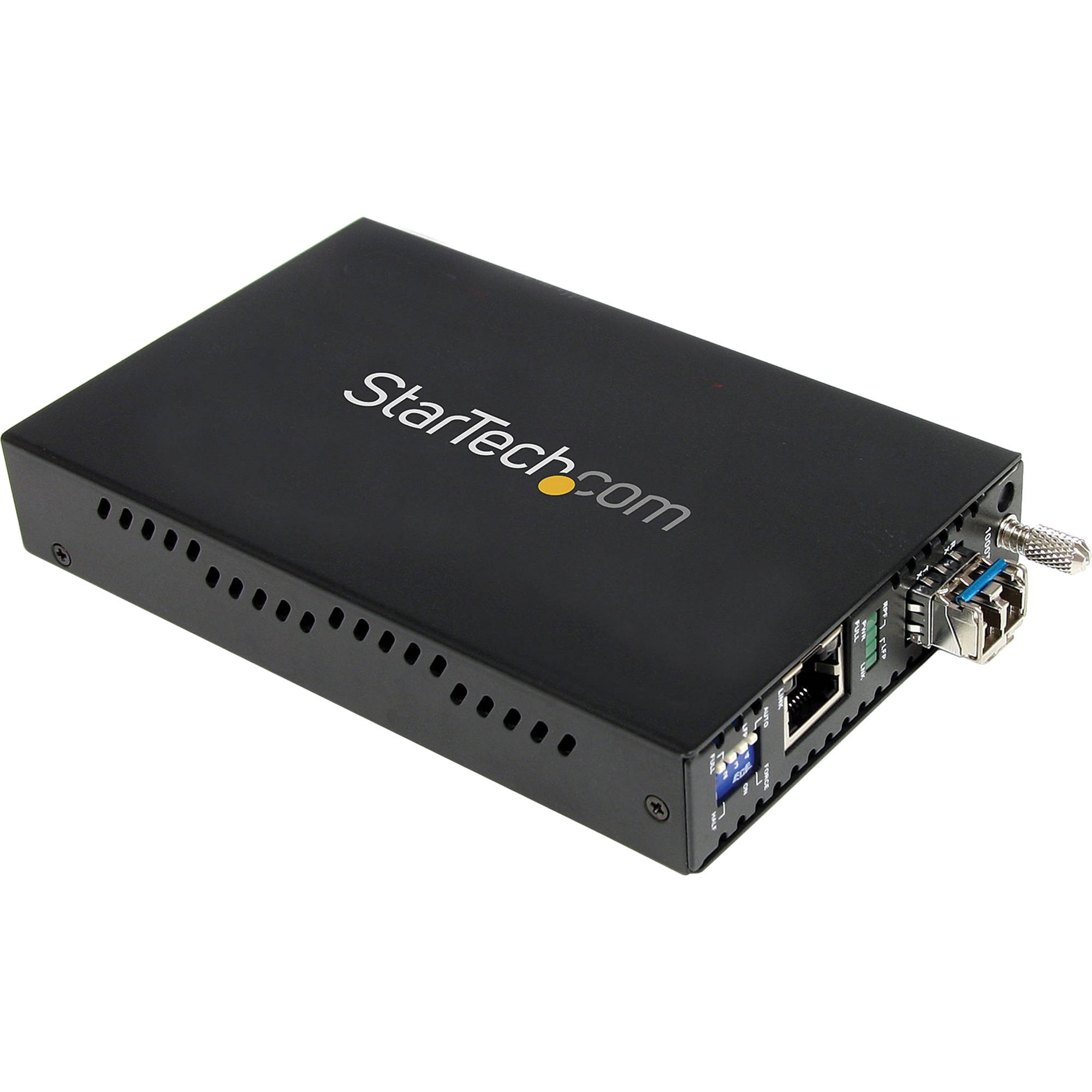




























































































































































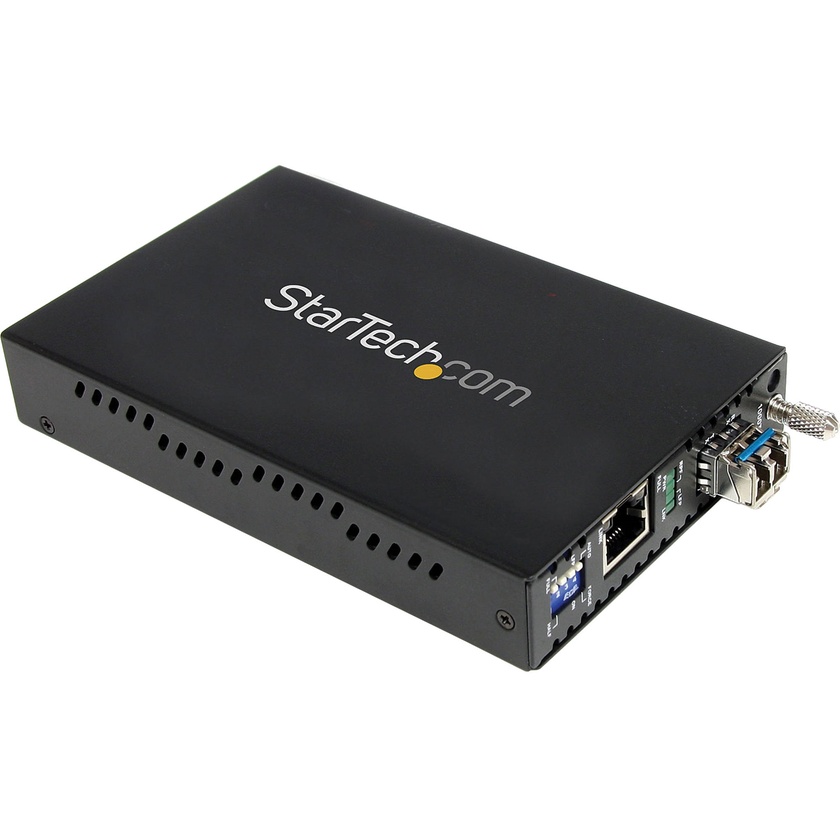
The StarTech ET1000S40LC2 1000 Mb/s Gigabit Single Mode Fiber Media Converter (Black) enables you to convert and extend a Gigabit Ethernet network connection over a single-mode LC fibre at distances up to 24.85mi (40.00km). It provides a cost-effective solution for connecting a Gigabit Ethernet (1000Base-T) network to remote network segments over a (1000Base-LX / SX) fibre backbone.
The Gigabit Ethernet to SM fibre convertor supports full Gigabit speeds for ideal network performance and scalability. Designed to offer a durable and convenient Ethernet to fibre solution, this Ethernet to LC Fibre Media Convertor features an all-steel chassis, and a simple plug-and-play installation with minimal configuration required.
For added versatility, this Fibre Media Convertor supports standalone operation, or installation into the 20 Slot, 2U Rack-mount Chassis (ETCHS2U, sold separately).
Key Features:
- Supports standalone operation, or installation into the ETCHS2U Rack-mount Chassis (sold separately)
- Advanced features include Link-loss forwarding, remote monitor status, 2 frame lengths
- Maximum fibre cable length of 24.85mi (40.00km)
- Supports full or half-duplex operation
- Link loss forwarding, remote monitoring of status ensures maximum up-time
- Rugged steel casing for added durability in harsh environments
- Cost-effective way to extend / bridge networks using fibre cabling
- Easy installation
- Lifetime technical support
- Provides connectivity to a user or network segment that is in an isolated area of a large complex or in another building altogether
- Suitable for secure connections required by government agencies where EMI is not acceptable
- Connect traffic control / monitoring systems at extreme distances to the main office
- Extend network connectivity to remote areas of stadiums, auditoriums or other venues
- Converts 1000Base-LX fibre optic signals to 1000Base-T Ethernet over single mode fibre cable
- Auto MDIX interface automatically detects required cable connection types (straight-through or crossover) and configures the connection appropriately