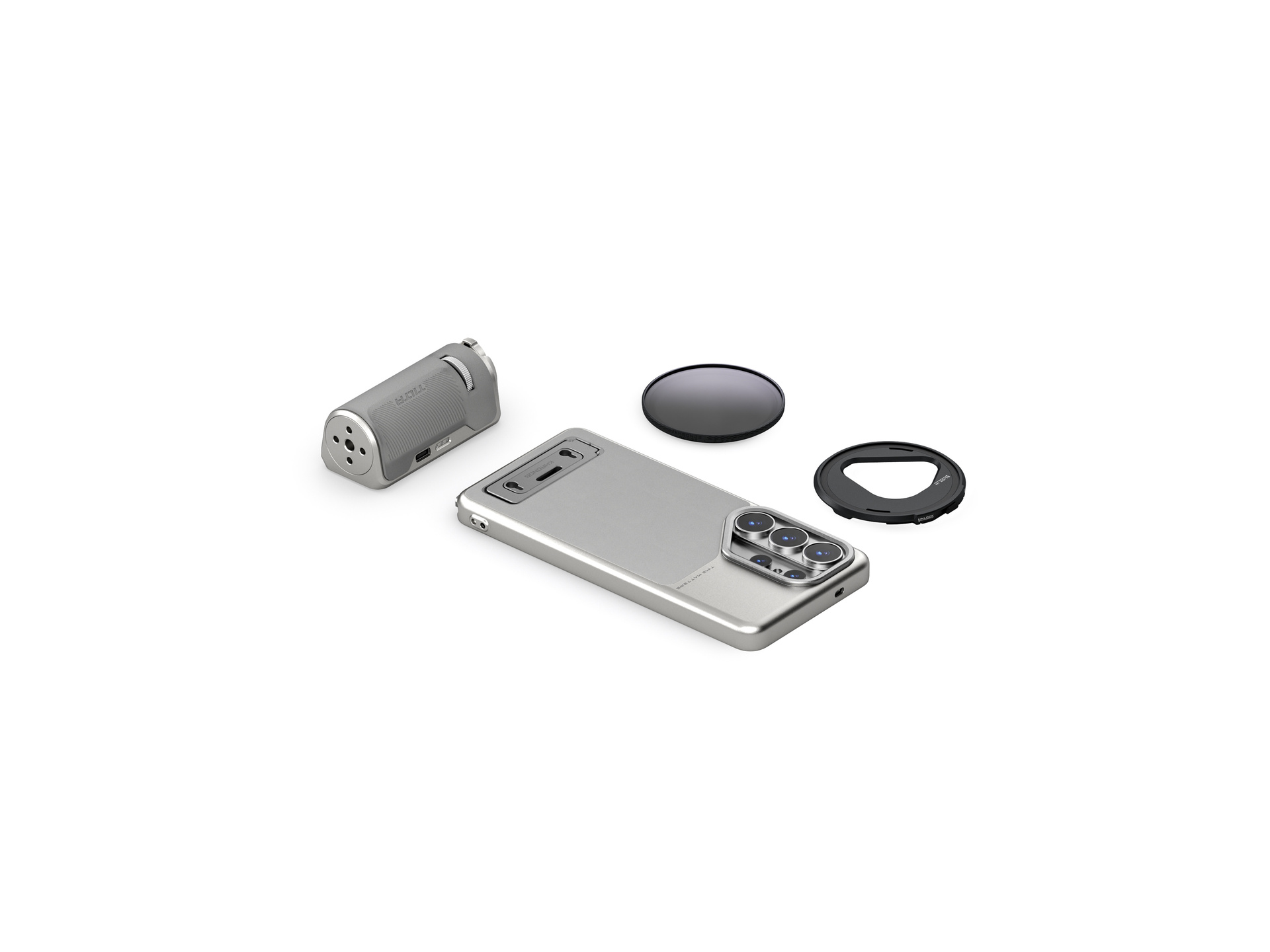



































































































































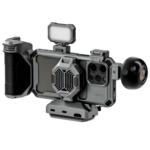
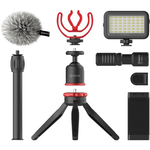












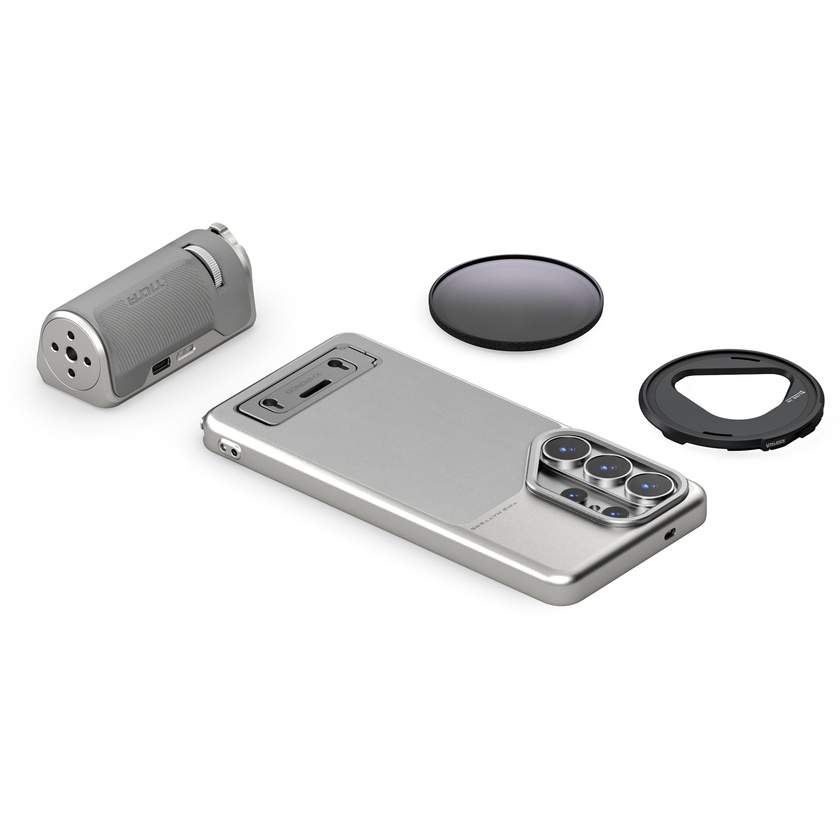



Experience unmatched versatility and performance with the Tilta Khronos Lite Galaxy S26 Ultra Creator Kit (Silver). Designed for creators who demand professional filmmaking tools without the weight, this kit delivers optimal balance between everyday usability and true pro-level functionality.
Integrated Kickstand for Ultimate Flexibility
The Khronos Lite Case includes a built-in kickstand that supports both horizontal and vertical positions, making it perfect for hands-free calls, streaming your favorite shows, or focused study sessions. This flexible functionality ensures your device adapts seamlessly to any scenario.
Effortless Magnetic Accessory Integration
With its magnetic back plate, the case instantly connects to magnetic accessories like card holders, LED lights, SSDs, power banks, or cooling fans. These additions enhance your workflow and expand your capabilities, all without unnecessary bulk.
Bluetooth Handle for Intuitive Control
Included in the kit is a lightweight Bluetooth handle, which attaches directly to the case through the kickstand’s mounting points—keeping your USB-C port available for other connections. The Bluetooth handle allows you to control focus, zoom, shutter, and recording intuitively, enabling a smooth shooting experience without tapping the screen.
Advanced 58mm Filter System
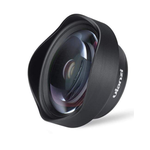
Take control of your creative vision with the included attachable 58mm Filter Tray. The kit features a 58mm Variable ND Filter (offering 1–5 stops) and a 58mm Polarizer with a built-in Black Mist 1/2 effect. Together, these tools provide cinematic mastery over exposure, reflections, and image texture, making your content stand out in any lighting condition.
Unmatched Practicality with Pro-Level Transformation
Ideal for creators who value a light, practical phone case but also need the freedom to pivot to full professional camera mode in seconds, the Khronos Lite Creator Kit equips you for every creative opportunity the moment inspiration hits.
NOTE: To connect the Lightweight Handle, the additional “Camera Assistant” feature has to be downloaded within the phone’s Native Camera App. Once downloaded, toggle on the option for “Tilta Wireless Lens Control” to connect.